1Why Annual Renewals Slip Through the Cracks
A monthly subscription shows up on your statement every few weeks. Even if you barely notice it, it stays somewhat visible simply because it keeps repeating. An annual subscription charges once, then disappears from view for the next eleven months.
By the time the charge comes back around, you have usually forgotten you signed up, forgotten what the price was supposed to be, and forgotten there was ever a decision to make in the first place. The bill just appears, already paid.
Did you know? This same pattern applies to more than streaming apps. Domain name renewals, antivirus software, cloud storage plans, and yearly deals on subscriptions you could have paid monthly all follow the same once-a-year billing cycle, and all of them are just as easy to forget.
2What Usually Bills Once a Year
A few categories account for most annual charges people forget about:
- Domain names and website hosting
- Antivirus and computer security software
- Streaming, news, or app subscriptions bought at a discount for paying yearly
- Software licenses for photo editing, tax prep, or other productivity tools
- Gym, club, or professional association memberships
- Pet insurance and some optional health or travel coverage add-ons
None of these are bad deals on their own. The problem is not the annual price, it is that almost nobody keeps a written note of when each one is due to charge again.
Health insurance runs on a yearly cycle too, even when you pay monthly. Each fall, open enrollment can reset your premium and the amount your autopay pulls in January, as our guide to ACA open enrollment and your premium autopay explains.
3How Renewal Notices Work, and Why You Still Miss Them
Plenty of companies do send an email before an annual charge goes through, more consistently than they do for monthly charges, because the amount is bigger and a surprised customer is more likely to file a dispute.
That does not mean the notice reaches you in a way you actually see. These emails often land in a promotions tab or spam folder, get skipped during a busy week, or go to an old email address tied to the account that you stopped checking years ago.
Note: a handful of US states have added rules requiring a reminder before certain long, auto-renewing contracts. Coverage differs from state to state, does not apply to every type of company, and does not exist at all in many other countries. Treat any renewal email you receive as a bonus, not as something you can rely on.
Canada is one place where that has started to change, and British Columbia now requires advance notice before certain automatic renewals, though the rule is provincial rather than national.
4The Real Cost of Missing a Cancellation Window
Miss a monthly subscription and the mistake costs you one month's fee. Miss an annual one and you have just paid a full year's worth of money in a single charge, whether you meant to or not.
Example scenario: you signed up for a photo editing tool's annual plan during a sale and never wrote down when it renews. A year later, the charge lands again, this time at the regular price rather than the sale price you originally paid. By the time you notice the charge, you are already past the short refund window the company allows.
Some companies will refund an accidental renewal if you catch it fast enough. Most only allow a window measured in days, not weeks, and none of them are required to make an exception once that window closes.
5Monthly vs. Annual: Which Actually Saves You Money
Annual plans are usually cheaper per month than the equivalent monthly plan. That is exactly why companies steer you toward the annual option at checkout, sometimes with a discount that only shows up if you pick the yearly billing tab.
That discount is only real if you use the service for the whole year and remember to cancel or reconsider it once the term is up. Paying once for twelve months, then not using the service after month three, is not a savings, it is just a larger version of the same wasted charge.
A simple rule helps here: choose monthly for anything you are still testing out or unsure you will want for a full year. Only move to an annual plan once you already know, from months of actually using it, that the service is a keeper, or once you have a reliable way to remember the renewal date.
An annual subscription does not ask you to make a decision once a year, it asks you to remember one, and memory is exactly what a once-a-year charge is built to slip past.
6How to Build a Renewal Calendar in 15 Minutes
You do not need special software to fix most of this problem. A short one-time setup covers you for years.
Step 1: Pull the last 12 months of bank and card statements. Look for any single charge that is noticeably larger than your usual monthly bills, that is usually an annual subscription.
Step 2: Write down the amount and the exact date each one hit your account. A simple note or spreadsheet works, the point is having it somewhere other than your memory.
Step 3: Add a reminder for about a week before that same date, every year. Not on the date itself, since by then the charge may have already gone through. A week gives you room to actually cancel or renegotiate first.
Step 4: Note how to cancel each one, not just that you can. Some annual plans make canceling far harder than signing up, requiring a phone call or a specific page buried in account settings, so save that detail while you have it.
Step 5: Add every new annual subscription to the same list the day you sign up. This is the step people skip, and it is the one that keeps the whole system from falling apart a year later.
7A Simple System to Never Get Blindsided Again
A calendar reminder alone still depends on you actually reading it when it pops up. Pair it with a monthly habit of glancing at your bank and card statements, the same way you might check the mail, so an unexpected charge gets noticed within days instead of months.
This overlaps closely with keeping a full list of every automatic payment you have. Once that list exists, adding a renewal date next to each annual entry takes a few extra seconds and turns a once-a-year surprise into a routine you control.
8What to Do If You Already Missed a Renewal
Contact the company right away. If a refund window exists, it is almost always short, so reaching out the same day you notice the charge gives you the best odds of getting the money back.
Ask directly for a refund and cancellation, not just a cancellation. Some support teams will cancel the renewal for next year but not refund the one that already happened unless you specifically ask.
If the charge truly was not authorized by you at all, rather than just forgotten, that is a different situation with a different process. See our guide on disputing an unauthorized charge for how to tell the two apart.
Use the moment to check for others. If one annual subscription slipped past you, it is worth five minutes to check whether any others are due soon, rather than waiting to be surprised a second time.
9How to Keep Every Renewal Date in One Place
A spreadsheet works, but only for as long as you remember it exists and keep updating it. Most people build one after getting caught by a surprise renewal, use it for a few months, then quietly stop.
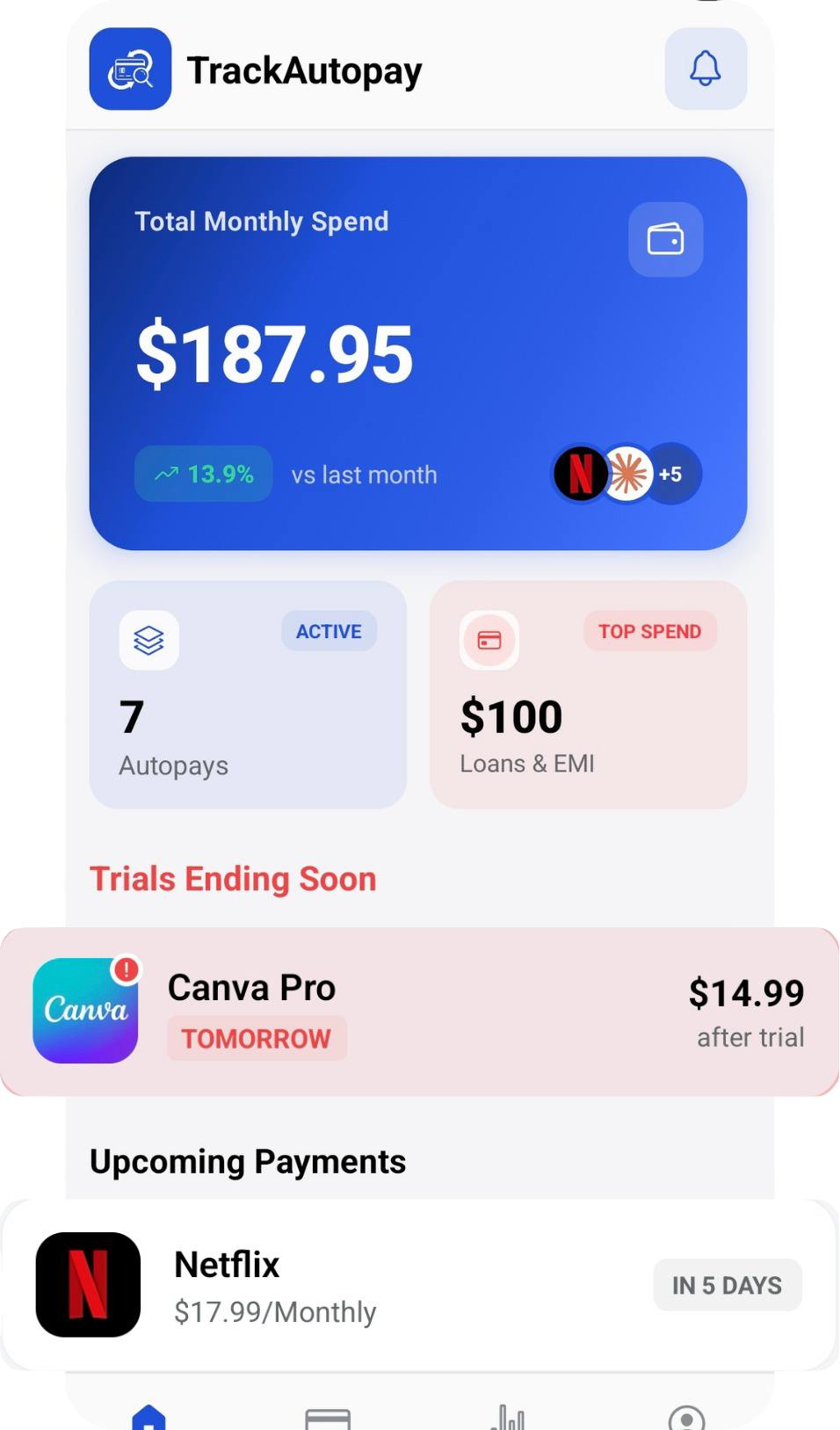
TrackAutoPay gives you one place to log every subscription, monthly or annual, with a reminder before each one bills again. Instead of hoping a company's renewal email reaches you in time, you get a heads-up you actually control.
Never Miss Another Renewal Date
Log every subscription once, monthly or annual, and get a reminder before it bills again, so a once-a-year charge never catches you off guard.