1Why a New Card Catches You Off Guard
Your card gets lost, stolen, or flagged for suspected fraud, or it simply reaches the expiration date printed on the front. Either way, your bank mails you a new one. You activate it, cut up the old one, and move on with your day. Nobody hands you a list of everywhere that old number was sitting on file.
For most people, a single card sits behind a dozen or more recurring charges: streaming, software, insurance, a gym membership, a phone bill, a subscription you signed up for years ago and forgot about. When that number changes, some of those charges keep going like nothing happened. Others go quiet until a service stops working or a "payment failed" email shows up in your inbox.
Did you know? Card networks run background systems built specifically to keep recurring charges alive when a card changes. They cover a lot of well-known merchants, but not every merchant, and neither your bank nor the network tells you which of your specific subscriptions were covered and which were not.
2Renewal vs. Replacement: Two Different Problems
A renewal happens on schedule, when a card is approaching its expiration date and the bank mails a new one before the old one stops working. In many cases the card number itself does not change at all, only the expiration date does, and sometimes the security code on the back.
A replacement is a different event. It happens after a card is reported lost, stolen, or flagged for fraud, and the bank cancels the old number outright. The new card that arrives has a different number from top to bottom, a different expiration date, and a different security code.
Example scenario: your card expires in October and your bank mails a renewal in September with the same 16 digits, just a new expiration date. Most of your subscriptions keep charging without a hiccup. Two months later, your wallet is stolen and the bank issues a full replacement with a brand new number. This time, a much larger share of your subscriptions are at risk of failing.
3How Card Networks Quietly Update Merchants
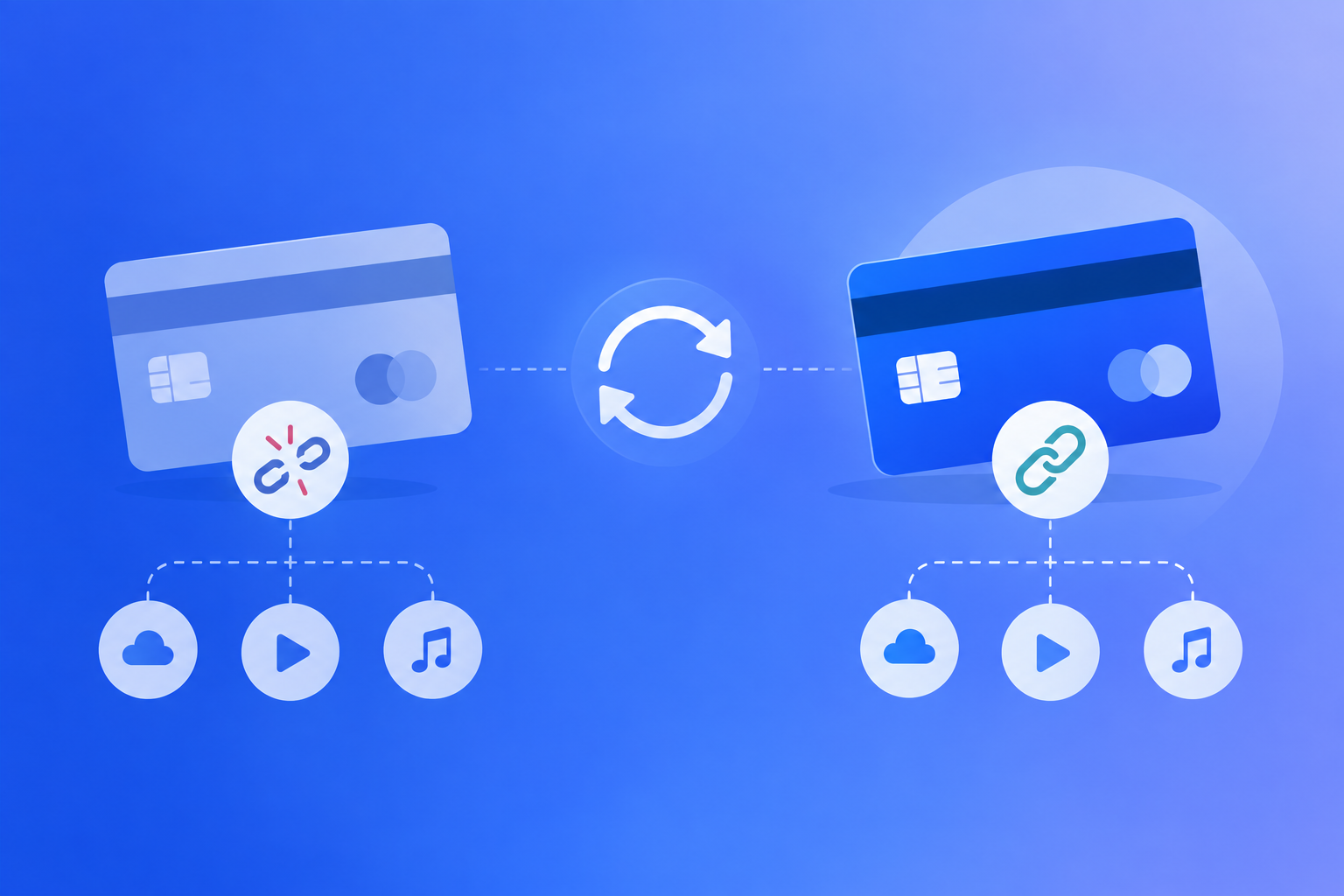
Visa and Mastercard both run a service built for exactly this problem, called Visa Account Updater and Mastercard Automatic Billing Updater. When your bank issues a new card for any reason, it reports the change into the network's database. Merchants that use the service can then pull your updated card details automatically, without you having to type anything in.
This is why some subscriptions never seem to notice a card change at all. The merchant asked the network for your new details, got them, and kept billing you as if nothing happened.
Note: using the updater service is a choice each merchant makes, not something every business automatically gets. Smaller merchants, and ones that use a payment processor that does not participate, get no update at all. There is also usually a short lag between your bank issuing the new card and the network's update reaching a merchant, so even an enrolled merchant can have a charge fail in the days right after a replacement.
4What Usually Keeps Working Automatically
Large, well-established subscription companies tend to have dedicated billing teams and are more likely to be enrolled in an account updater program. That usually includes:
- Major streaming and entertainment subscriptions
- Well-known software and cloud storage subscriptions
- Insurance premiums billed by large national insurers
- Utility and phone bills from major providers
None of this is guaranteed for any single company, since enrollment is a business decision each merchant makes on its own. Treat this as "more likely to survive on its own," not as a reason to skip checking.
5What Almost Always Breaks
On the other side, these are the charges most likely to fail silently after a card replacement:
- Small or local businesses that bill you manually, like a gym, studio, or local service
- Niche or newer subscription apps that have not signed up for an updater service
- A one-time-use or virtual card number created just for a single merchant
- Annual charges from a company you rarely interact with the rest of the year
- In-app purchases billed through the App Store or Play Store, covered separately below
This overlaps closely with the kind of subscriptions people forget about entirely. A card change is often the moment a forgotten annual charge finally surfaces, either because it fails and you get a notice, or because it goes through on the old card in a way you do not expect.
Card networks quietly hand your new number to merchants that ask for it, but that safety net has real gaps, and nobody tells you which of your subscriptions fell through one.
6The Two Ways This Costs You Money
The first is a silent cancellation. A charge fails, the merchant retries once or twice, and if nobody updates the card in time, the subscription pauses or cancels itself. If you decide to resubscribe later, some companies only offer the current price rather than the older rate you were originally locked into.
The second is a messier overlap. Some banks issue a temporary card number, or keep the old one partially active for a short window while the physical replacement is in the mail. A charge can bounce between the old and new number during that gap, which shows up as a declined-payment notice. For something like an insurance premium, one missed cycle in this gap can mean a real late fee, or in a worst case, a lapse in coverage.
Both problems are avoidable. The fix in both cases is the same: know what was charging the old card before you assume the new one has it covered.
7A 10-Minute Card-Change Checklist
You do not need to guess which subscriptions are safe. Run through this once, every time a card is renewed or replaced.
Step 1: Pull your last two or three statements on the old card. Before or right after you activate the new one, write down every recurring charge you see, no matter how small.
Step 2: Split the list into likely-safe and likely-at-risk. Large, well-known subscription companies go in the "probably fine" pile. Small businesses, one-off annual charges, and anything unfamiliar go in the "check manually" pile.
Step 3: Manually update the "check manually" pile. Log into each of those merchants directly and enter the new card details yourself. Do not assume a network updater service is handling it.
Step 4: Check your App Store or Google Play subscriptions separately. These do not follow the same rules as everything else, see the next section.
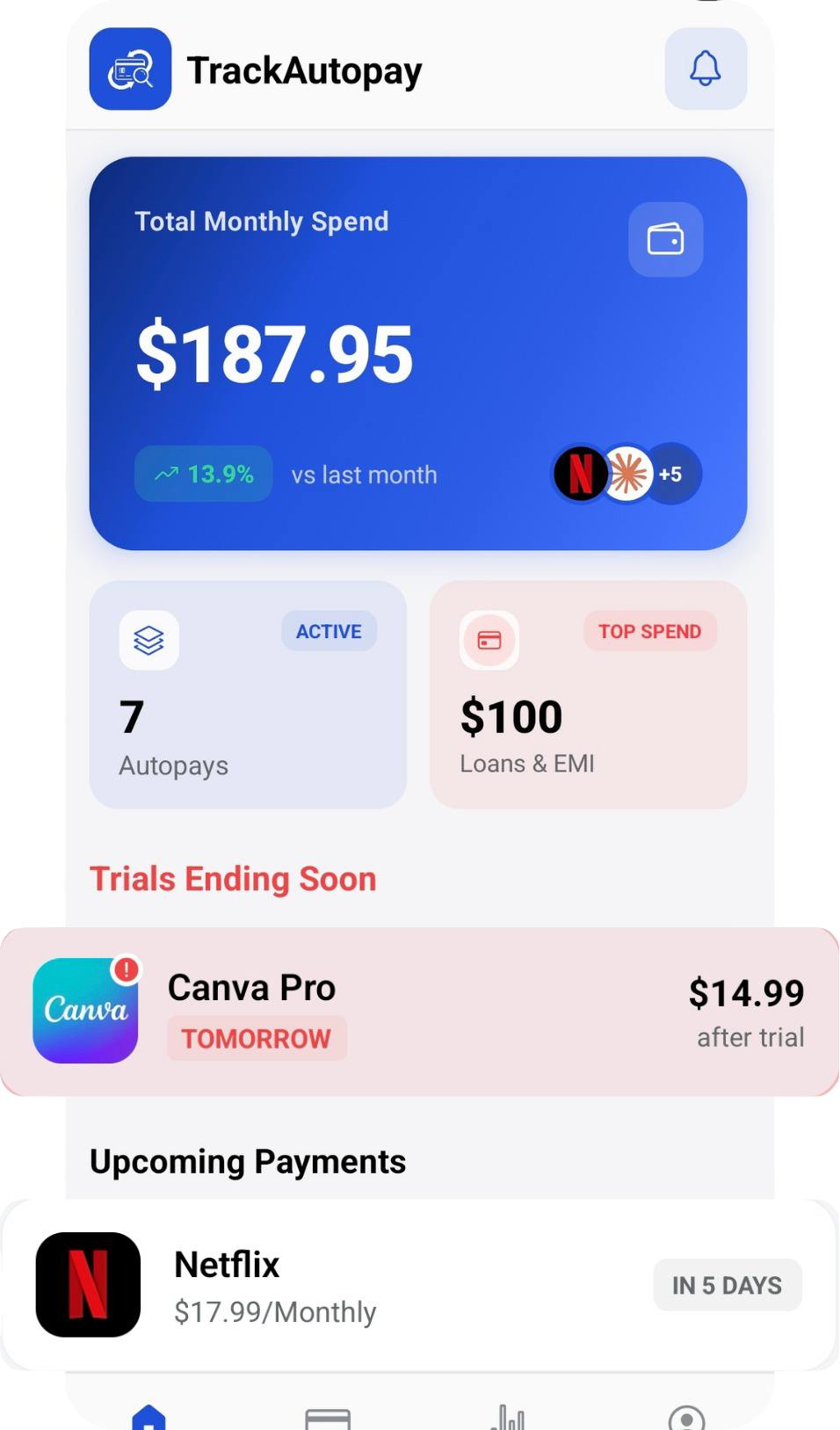
Step 5: Recheck your statement in 30 to 45 days. Confirm every charge on your list either went through normally or was updated by you, then log the working list into TrackAutoPay so you have one place that shows what should be billing and when, instead of rebuilding this list from memory the next time your card changes.
8App Store and Play Store Are a Special Case
When you subscribe to something through Apple's App Store or the Google Play Store, the payment method on file lives inside your Apple ID or your Google account, not with the app maker directly. A card network's updater service has no way to reach that record, because it sits with Apple or Google, not with the individual merchant.
That means an in-app subscription will not update itself just because your card changed everywhere else. You have to update it in one specific place.
On iOS: go to Settings, tap your name at the top, then Payment & Shipping, and update the card there.
On Android: open the Google Play app, tap your profile icon, go to Payments & subscriptions, then Payment methods, and update the card there.
9How to Make Sure This Never Costs You Again
The real problem is not that some subscriptions break when a card changes. It is that most people have no written record of what was on that card in the first place, so they find out something failed only after a service is already cut off or a fee is already charged.
TrackAutoPay gives you one place to log every subscription you have, along with which card it is charged to. The next time your card changes, you already have the full list to work through instead of piecing it together from memory and old statements under time pressure.
Never Lose Track of a Subscription Again
Keep one list of every subscription and the card behind it, so a lost card or a routine renewal never turns into a surprise cancellation or a late fee.