1What Is Changing for 2027
If you buy your own health insurance through HealthCare.gov or a state marketplace, your monthly premium is probably one of the biggest bills you pay every month. Open enrollment is the one time each year you can pick a new plan for next year without a special reason.
For 2027 coverage, three things make this year worth a closer look: insurers have asked for another round of large price increases, the extra tax credits that kept premiums low through 2025 are still gone, and some insurers are leaving the marketplace altogether.
Here are the dates for states that use HealthCare.gov.
| Date | What happens |
|---|---|
| November 1, 2026 | Open enrollment starts |
| December 15, 2026 | Last day to pick a plan that starts January 1 |
| December 31, 2026 | Last day of your 2026 plan |
| January 1, 2027 | 2027 coverage and 2027 premiums start |
| January 15, 2027 | Open enrollment ends, plans picked after December 15 start February 1 |
A 2025 federal rule would have ended open enrollment on December 15. In June 2026 a federal court threw out that change, and CMS has said the HealthCare.gov window runs through January 15, 2027. The government has appealed, so check HealthCare.gov for the latest dates. A few states, including Idaho and Georgia, start earlier, and some states that run their own marketplace stay open longer.
Note: this guide is general information about the payment side of your coverage, not advice on which plan to choose. If you are 65 or older, Medicare has its own rules and dates, covered in our guide to Medicare open enrollment and your Social Security deductions.
2#1: Why Your Premium May Go Up
Insurers file the prices they want to charge months ahead. An analysis of 2027 filings by Peterson-KFF found that the middle proposed increase across insurers was about 15%. These are proposed prices, and state regulators can lower some of them before they are final.
The increases vary a lot by state. Average proposed increases are under 7% in Vermont, Iowa and Utah, but around 29% in Arizona. Your own change depends on your state, your plan and your age.
How much of that increase you feel depends on whether you get a premium tax credit. The credit is based on the price of a middle-level silver plan in your area. When that price goes up, your credit usually goes up too, which softens the blow if you qualify.
The extra tax credits that started in 2021 ended after 2025, and as of September 22, 2026 Congress has not brought them back. Under the original rules now in place, the credit stops completely once household income goes above 400% of the federal poverty level. If you earn above that line, or you buy a plan outside the marketplace, you pay the full increase yourself.
If you do nothing, the marketplace will usually renew your coverage. But the amount your autopay pulls in January may not be the amount it pulled in December.
3#2: How Auto Renewal Can Change Your Autopay
Most people who skip open enrollment are renewed automatically. That keeps you covered, but three things can change without you choosing them:
- Your plan's full price goes up for the new year
- Your tax credit is recalculated, sometimes using old income information
- Your plan ends and the marketplace moves you into a different plan or insurer
The last one matters a lot this year. Cigna is leaving the marketplace in all 11 states where it sold plans for 2027, a year after Aetna left. Several other insurers are leaving some states too. If your insurer is leaving and you do not pick a plan, you may be placed with a new insurer, and your old autopay will not follow you there.
Example scenario: you pay $310 a month by autopay in 2026. You let your plan renew. In January, the same plan costs more and your credit shifts, so your net bill becomes $395. Your autopay pulls $395 and you only find out when you check your bank account.
4#3: Compare Plans Before December 15
Your insurer and the marketplace send notices in the fall that show what your plan will cost next year. Read them, then log in and look at the other plans in your area. Because prices and tax credits shift every year, last year's best deal may not be this year's.
- Find your current plan's 2027 monthly price after your tax credit.
- Compare it with two or three other plans at the same level, and one level lower or higher.
- Check the deductible and out-of-pocket limit, not just the monthly price.
- Make sure your doctors and regular medicines are covered by any plan you switch to.
- Pick your plan by December 15 if you want it to start on January 1.
A health plan renews once a year, just like an annual subscription, which makes the date easy to forget. Our guide to tracking every annual renewal date shows how to keep yearly deadlines like this one in view.
5#4: Update Your Income for Tax Credits
Your tax credit is based on what you expect your household to earn in 2027. If you let your plan renew without updating your application, the marketplace may use older information, and your credit could be too high or too low.
If the credit is too low, you overpay every month. If it is too high, you may have to pay some back at tax time. Log in, update your expected income and household size, and save the new result before you confirm your plan.
Did you know? With the 400% income line back in place, a small change in income can make a large difference. If your expected income is close to that line, it is worth checking your numbers carefully, and talking to a marketplace helper or tax preparer if you are unsure.
6#5: Confirm Your New Monthly Premium
Once your plan and income are set, write down the exact amount you will owe each month in 2027. That is the plan's full price minus your tax credit, and it is the number your autopay should pull.
The marketplace shows this amount when you finish, and your insurer should send a bill or welcome letter with it later. If the two do not match, call your insurer before January. Fixing a wrong amount is easier before the first payment than after it.
7#6: Set Up or Update Your Premium Autopay
What you do next depends on whether you are staying with the same insurer.
Same insurer: your existing autopay often keeps running and starts pulling the new amount in January. Log in to your insurer account and check the payment method, the draft date and whether the amount updates on its own or is set to a fixed number.
New insurer: you have a new account, and nothing carries over. You first need to make a binder payment, which is the first month's premium. Your coverage does not start until the insurer receives it. Your insurer sets the due date, so check your welcome letter or their website as soon as you enroll.
- Pay the binder payment by the date your new insurer gives you
- Set up autopay with the new insurer, if they offer it
- Turn off any autopay with your old insurer once your old plan ends
- Make sure the account you pay from has enough in it for the new amount
A failed premium payment is more serious than a failed streaming charge. You usually get a grace period, but if you miss it, your coverage can end. Our guide on what happens when an autopay payment gets declined walks through what to do if a payment bounces.
8#7: Watch the First January Payment
Even when everything is set up right, check the first 2027 payment when it comes out. Compare it with the amount you wrote down. If it is wrong, call your insurer right away, and check your marketplace account to make sure your tax credit was applied.
Also look for a charge from your old insurer if you switched. If one shows up after your old plan has ended, ask them to stop the autopay and refund the payment.
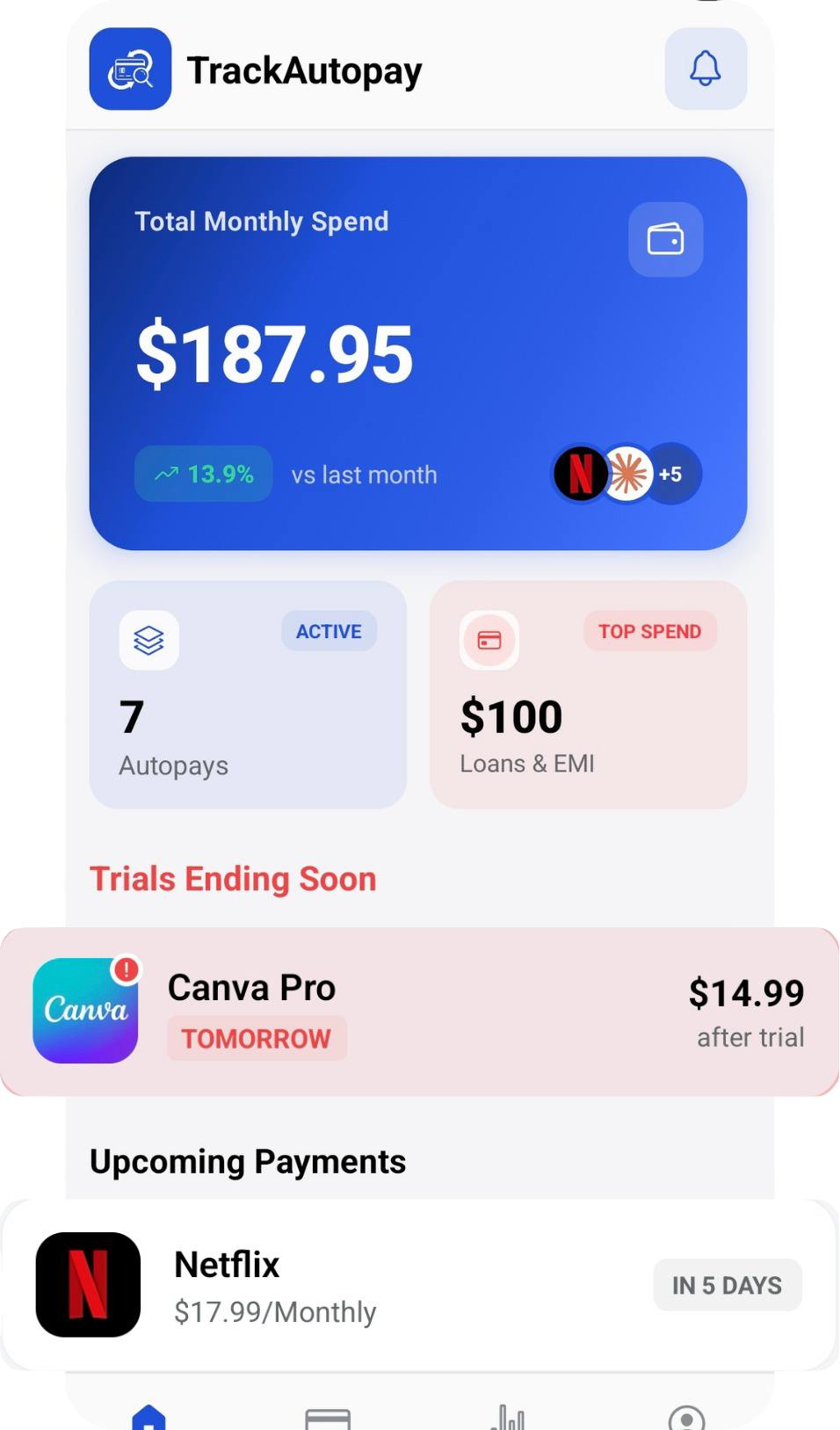
In TrackAutoPay, you can add your health insurance premium with Manual Organization, along with its new amount and draft date. Smart Tracking then reminds you before each payment comes out, so you can check the amount and make sure the money is there, in January and every month after.
Know Your Premium Before It Comes Out
Keep your health insurance premium and every other recurring payment in one list, with a reminder before each one.