2What a Dedicated Subscription Card Actually Is
A dedicated subscription card is simply a second card number, used for nothing except your recurring charges. It can be a virtual card number generated through your bank or card issuer's app, an actual second physical card tied to your existing account, or a prepaid card you load yourself.
The idea is not complicated. It is the same reasoning behind keeping a separate savings account for one specific goal: the charges are easier to see and manage the moment they stop mixing in with everything else you buy.
Did you know? A number of banks and card issuers now let you generate a virtual card number directly from their app, with a spending limit or expiration date you set yourself, at no extra cost beyond the account you already have. Availability depends entirely on your specific bank and card, so check your issuer's app before assuming the option exists on your account.
3Three Ways to Set One Up
There are three common ways to get a card number dedicated only to subscriptions. Which one makes sense for you depends on what your bank already offers and how much manual work you are willing to take on.
| Option | How It Works | Best For |
|---|---|---|
| Bank-issued virtual card | Generated inside your bank or card app, tied to your regular account, often with a limit you can set or turn off instantly | Anyone whose bank already supports it |
| Secondary physical card | A second physical card issued on the same account, with its own card number | Anyone who wants a physical card kept separate from the one in daily use |
| Prepaid card | A card you load with a set amount yourself, not connected to a bank account | Anyone whose bank does not offer a virtual card, or who wants a hard spending cap |
4Setting It Up and Moving Your Subscriptions Over
Moving every subscription onto a new card at once is how charges get missed. A slower, more deliberate move takes a bit longer but leaves nothing behind on the old card by accident.
Step 1: List every subscription currently on your main card. Pull the last two to three months of statements and write down every recurring charge you find, along with its amount and roughly when it bills.
Step 2: Set up the new card with room to spare. Add up the total from your list, then set the new card's limit a bit above that total, so a normal price increase does not immediately block every charge.
Step 3: Update one subscription at a time. Log into each service and swap the payment method, working through your list one by one rather than trying to remember them all from memory.
Step 4: Confirm the first charge on the new card before moving on. Wait for each subscription's next billing date to confirm the new card was actually charged, since some services silently keep the old card as a backup even after you update the payment method.
Step 5: Only then remove the old card from each service, if the service allows it. Some merchants let you delete an old payment method outright, which is worth doing once the new card is confirmed working.
5Using a Spending Cap to Catch Price Increases
One advantage a dedicated card has over a shared one is the spending cap itself. If you set the card's limit close to your current subscription total, rather than far above it, a price increase or an added charge you did not expect can trip that limit and get declined instead of quietly going through.
This does not replace paying attention to the renewal notices companies are required to send before a price increase. Our guide on catching a subscription price increase before it bills you covers how those notices work and what your rights are. A tight spending cap is a second layer on top of that, one that works even if a notice email gets missed.
A decline caused by your own spending cap is not the same as an unexpected payment failure. For what actually happens after a charge is declined, and how to avoid a late fee or a lapsed subscription while you sort it out, see our guide on what happens when your autopay payment gets declined.
A dedicated card does not stop a subscription's price from going up. It just turns a silent charge into a declined one you actually have to notice.
6Where This Approach Falls Short
A dedicated card is not a fix for every situation. A prepaid card needs to be reloaded manually, which works against the whole point of automatic payments if you forget to top it up before the next charge.
Not every card issuer offers a virtual or secondary card option in the first place, and some merchants place holds or run verification checks that a prepaid or virtual card cannot always pass. Check with your specific card issuer and, for any subscription that matters, confirm the new card works before relying on it completely.
If a subscription is shared with roommates or family, moving it to a card only you control changes who is responsible for keeping it funded. Our guide on splitting subscriptions with roommates or family covers how to keep a shared plan working smoothly no matter which card is holding it up.
7Track Every Charge Sitting on the New Card
A dedicated card makes your subscriptions easier to find on a statement, but it does not remind you before the next one bills, and it does not tell you when a service you moved over has quietly raised its price. That part still comes down to keeping a running list somewhere you actually check.
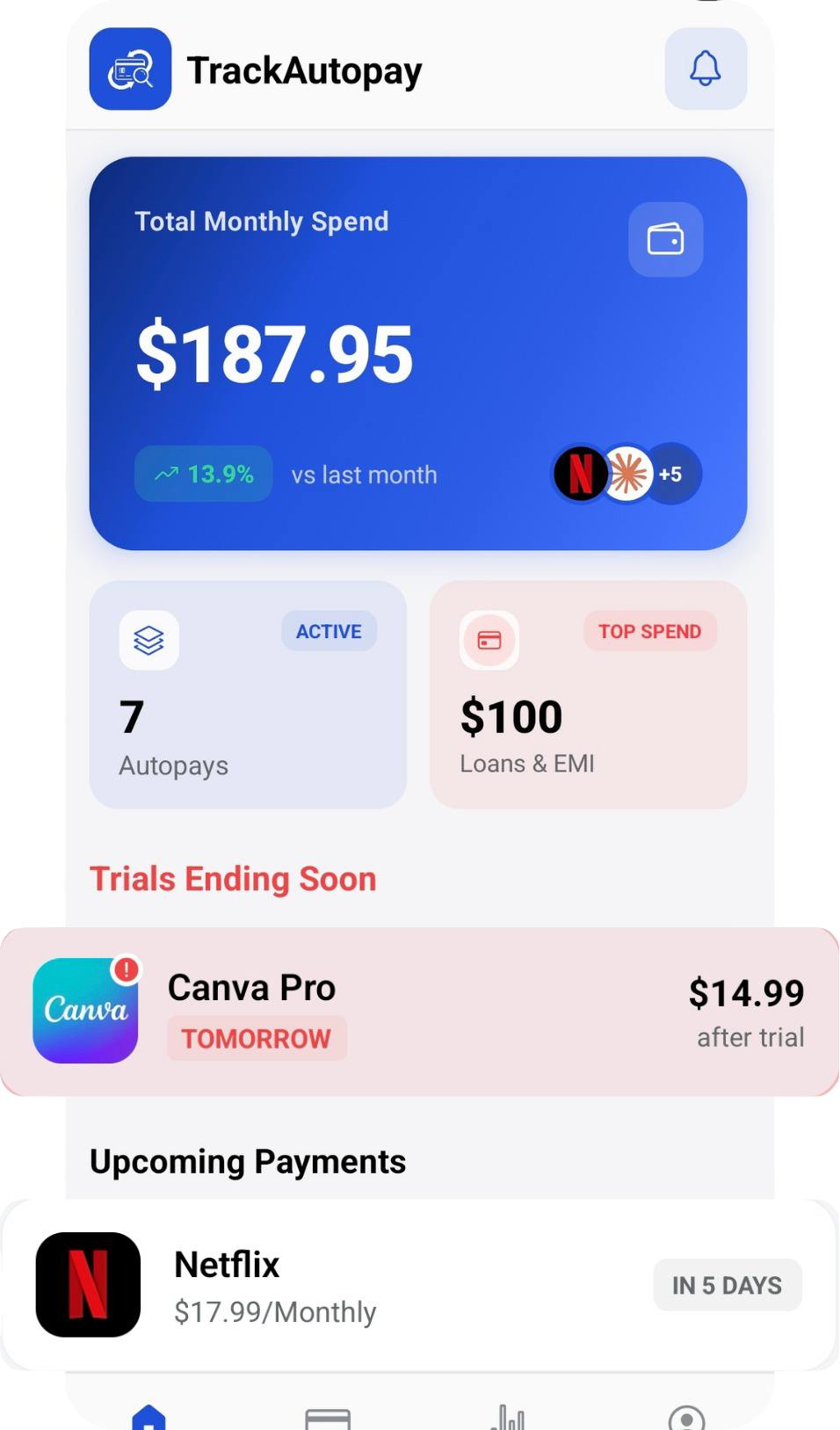
TrackAutoPay gives you one dashboard for every subscription's renewal date and amount, no matter which card it runs through, with a reminder before each one bills. Once your subscriptions are isolated onto their own card, logging them in TrackAutoPay turns a one-time cleanup into a system you never have to redo.
See Every Subscription in One Dashboard
Whichever card each subscription runs through, keep the renewal dates and amounts in one place, with a reminder before every charge.