1Why a Gym Membership Isn't Like a Regular Subscription
A streaming or software subscription usually cancels with a single tap, and the charge stops within one billing cycle. A gym membership often works differently, because the automatic charge is enforcing a signed contract, not just a recurring bill you agreed to.
That contract can commit you to a fixed term, six months, a year, sometimes longer, with rules about how you're allowed to end it. Turning off autopay in your banking app, or canceling the card on file, does not cancel the contract sitting underneath it.
Many gyms also use a third-party billing company to process the monthly draft for hundreds of locations at once. That company, not the front desk you signed up at, may be who you actually need to contact, often through its own form or its own mailing address.
Did you know? In a lot of contracts, autopay only stops once the gym or its billing company processes a separate cancellation request, on its own schedule, not on the day you decide you're done going.
2What to Check Before You Sign Up
A few minutes reading the contract before you join saves a lot of trouble later. These are the parts of a gym contract that actually matter once you want to leave.
Contract length
Is it month-to-month, or a fixed term like six, twelve, or twenty-four months? A fixed term usually means you owe for the full period even if you stop showing up.
The exact cancellation method required
Written notice, certified mail, an in-person visit, or an online form, and how many days before your next billing date that notice has to arrive.
Freeze or hold options
Whether you can pause billing temporarily for travel or injury, and whether that pause carries its own fee.
Early termination terms
What it costs to leave before the term ends, and whether moving, injury, or job loss counts as an exception that waives that cost.
Note: ask to see the cancellation clause before you sign, not after you want out. A staff member telling you cancellation is easy isn't the same as what's written in the agreement you're about to sign.
3The Cancellation Methods Gyms Actually Require
Plenty of gyms make joining fast and cancellation slow, and treat the contract's fine print as the entire process. These are the methods you'll most commonly run into.
A written cancellation letter
Some contracts require a specific letter with your name, membership number, and the date you want to cancel, sent to a specific address, often a corporate office rather than the branch you actually go to.
Certified mail with a return receipt
Some agreements only count a cancellation sent by certified mail, so there's a dated, signed record it arrived. A regular email to the front desk, however clearly worded, may not satisfy that requirement at all.
An in-person visit during specific hours
Other contracts require you to show up and fill out a cancellation form on-site, sometimes only accepted during limited business hours.
A notarized form
A smaller number of gyms require a notarized cancellation request, adding an extra step, and sometimes a small fee, before your request is even considered valid.
Whichever method your contract lists, using anything else, a phone call, a casual email, or simply canceling the card, is often treated as if you never canceled at all.
A gym membership is one of the few common autopay charges where the contract, not an app setting, decides whether a written letter, certified mail, or an in-person visit is the only way the charge is allowed to stop.
4What Consumer Protection Rules Can Do For You
Many places have rules that apply specifically to health club or fitness membership contracts, separate from the general rules that cover most retail subscriptions. These typically address things like plain-language disclosure of the full contract term, a short cancellation window right after you sign, often just a few business days, and protections if the gym itself closes or relocates.
Exactly what applies to you depends on where you signed the contract, so the specifics are worth checking rather than assuming. Outside a specific health club law, general consumer protection rules around clear disclosure and unfair contract terms can still apply.
If a gym simply refuses to honor its own contract's cancellation terms, that's the kind of complaint a consumer protection office can act on. It's also worth checking your contract for a class of exceptions like medical leave or relocation, since those are common enough that many contracts already build in a waiver for them.
Note: this is general guidance, not legal advice. Read your specific contract, and if a cancellation dispute doesn't resolve directly with the gym, your local consumer protection office is the right next step.
5Why Stopping Payment Isn't the Same as Canceling
It's tempting to skip the whole process and just remove the card on file or ask your bank to block the charge. That stops the money moving, but it does not end the contract.
When a payment fails, many gyms treat it as a missed payment rather than a cancellation. That can add a late fee, and the balance you still owe under the contract keeps growing even while nothing is actually being charged to a working card.
An unpaid gym balance can eventually be sent to collections, which affects your credit in a way a normal missed subscription payment usually doesn't. If you're mid-dispute or your card is about to change for another reason entirely, our guide on moving every autopay to a new account covers how to handle that transition without a gap in payment.
If a gym keeps billing you after you've properly canceled in writing, that's a different situation entirely, and it's worth reading our guide on disputing a charge you never agreed to for the exact steps to get that specific charge reversed.
6A Step-by-Step Way to Cancel Without the Run-Around
Step 1: Reread the cancellation clause in your actual contract, not the marketing page or the app. Look for the required method, the mailing address if one is listed, and how many days' notice you must give before the next billing date.
Step 2: Send the cancellation exactly the way the contract asks, even if it feels outdated. If it says certified mail, use certified mail. If it lists a specific email address, use that address, not the general contact form on the website.
Step 3: Ask for written confirmation with a specific cancellation date, and keep it. A confirmation email or letter is your proof if a charge shows up after the date it should have stopped.
Step 4: Mark the date your next charge should stop, and check your statement on that date. Don't wait weeks to look, catching a leftover charge early makes it far easier to get reversed.
Step 5: If a charge still appears after your confirmed cancellation date, contact the gym in writing first. Dispute the specific charge with your card issuer if it isn't corrected quickly.
7How to Make Sure the Charges Actually Stop
Even after a clean cancellation, one more billing cycle can slip through, especially with gyms that bill in advance or route payments through a third-party processor with its own cutoff date. Checking the next statement, not just trusting the confirmation email, is what actually confirms it worked.
Example scenario: you cancel your membership on the 10th, but the gym's billing company already queued the draft for the 12th. A quick look at your statement two days after canceling would catch that charge while it's still easy to explain and reverse.
Watch for a membership listed under a name that doesn't match the gym itself. Third-party fitness billing companies often show up as an unfamiliar business name on your statement, which makes a leftover charge easy to overlook entirely.
Note: keep your cancellation confirmation for at least a year. Old membership charges reappearing months later, sometimes tied to a reactivation clause or an annual fee, is common enough to deserve an actual record on file, not just a memory of canceling.
8Common Gym Autopay Traps to Watch For
- An annual fee charged once a year on top of the regular monthly draft, separate from the membership price you were quoted at signup
- A contract that auto-renews into another fixed term unless you cancel inside a narrow window before the renewal date
- A personal training, class pack, or add-on service billed on its own separate autopay schedule from the base membership
- A promotional rate that quietly reverts to a higher regular price after an introductory period, still on the same autopay
- A membership billed by a third-party payment company under a name that doesn't match the gym you actually signed up at
None of these show up as a single obvious red flag. They just sit quietly among your other recurring charges, which is exactly why comparing your bank statement against what you actually agreed to, on a regular basis, catches problems a one-time read of the contract never will.
- Read the renewal and add-on sections of the contract again once a year, not just at signup
- Set a reminder a few weeks before any fixed term ends, so an auto-renewal doesn't catch you off guard
- Check your statement for the billing company's name so you recognize it instantly instead of mistaking it for an unfamiliar charge
9Keeping Every Membership in One Place
A gym membership is easy to lose track of precisely because it doesn't behave like your other subscriptions. The notice period, the required cancellation method, and the renewal date all live in a contract you probably haven't opened since the day you signed it.
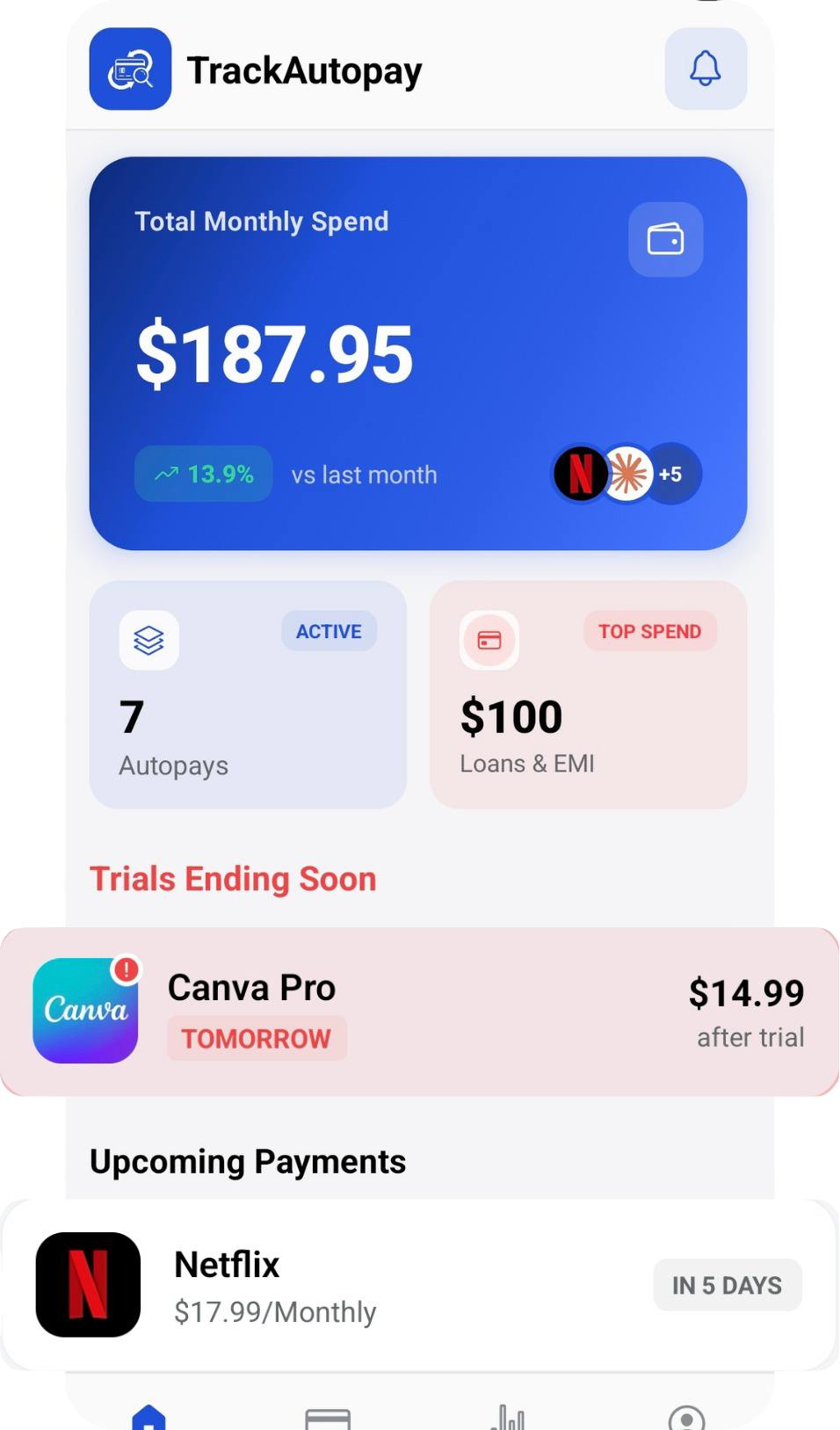
TrackAutoPay gives you one dashboard to log every subscription and membership alongside its renewal date and cancellation notice period, so a gym contract's fine print isn't the only place that information lives.
Never Miss a Cancellation Window Again
Log every membership and subscription in one dashboard, with its renewal date and notice period, so a gym contract never quietly locks you in for another term.