1How AI Turned Into a Monthly Bill
A few years ago, almost nobody had a line on their bank statement for an AI tool. Now a lot of people have several. Writing assistants, image tools, research tools, coding helpers, and the paid tiers of the big chat apps have all settled into the same shape as streaming: a small monthly charge that renews on its own until you stop it.
What makes this different from streaming is how fast it happened, and how similar the prices are. Most of the well known consumer AI plans sit around the same modest monthly figure, with higher tiers well above that. When four charges are all roughly the same size, none of them stands out as the one to question.
Did you know? AI tools are the first genuinely new category of household subscription since video and music streaming. That means most people have no habit built around reviewing them, because the habit never had a reason to exist before.
2#1: What the Spending Data Shows
The clearest numbers so far come from Bango, a payments company that runs regular consumer subscription research. Its report on AI subscribers, based on a survey of 2,000 people in the United States who already pay for at least one AI tool, published in late 2025, found the stacking is not a fringe habit.
| What the survey measured | Figure |
|---|---|
| Paid AI tools per subscriber | About 4 |
| Average monthly AI spend | About $66 |
| Subscribers spending over $100 a month | About 24% |
| Say AI tools are essential to daily life | About 77% |
| Rank AI above streaming and music | About 67% |
Note: these figures describe people who already pay for at least one AI tool, not the general population. They tell you what the habit looks like once it starts, which is the part worth paying attention to if you have one or two AI charges already.
For context, Bango's wider consumer research covering thousands of people in the United States and the United Kingdom put total subscription holdings at more than five services per person. AI now sits on top of that, not instead of it.
3#2: Why Four Tools Feel Like One
Four charges of roughly the same size, spread across four different days of the month, on the same card, do not register as four decisions. They register as background noise. Each one passed your judgement separately, months apart, and none of them was ever compared against the others.
The billing dates make it worse. A tool you signed up for on the 3rd renews on the 3rd, another on the 19th, another on the 27th. You never see them lined up next to each other, so you never see the total. This is the same effect behind autopay and silent overspending, just applied to a brand new category.
Example scenario: someone pays for a writing tool, a research tool, a paid chat tier, and an image generator. Each charge looks unremarkable on its own. Written on one page, the yearly total is several hundred dollars, which is the kind of number that makes people actually check whether they still use all four.
4#3: The Overlap You Are Paying For
The biggest waste in an AI stack is not the tool you never use. It is the two or three tools that now do the same job. These products change fast, and a feature that was once the reason you paid for a second tool often shows up in the first one a few months later.
Image generation, document reading, web search, and code help all started as separate paid products. Many of them are now bundled into the general purpose plans people already pay for. If you signed up for a standalone tool eighteen months ago, there is a fair chance your main plan covers it now.
The fix is not to cancel everything. It is to check, once, whether each paid tool still does something the others cannot. Open the one you use most and try the exact task you keep a second tool for. If the result is good enough, you just found the charge to drop.
In Bango's survey, AI subscribers paid about $66 a month across roughly four tools, and about a quarter of them paid more than $100.
5#4: Free Tiers, Trials, and Upgrades
Almost every AI tool has a usable free tier. That is deliberate. You use the free version until you hit a limit at a moment when you really need the answer, and upgrading right then feels obvious. The upgrade is a one tap decision made under mild pressure, which is the opposite of a considered purchase.
Many of those upgrades were genuinely worth it that week and have not been worth it since. The free tier of the same tool may well be enough for how you actually use it now. Dropping back down is usually a single setting, and you keep your history and your account.
Trials deserve the same attention. An AI trial converts to a paid plan the same way any other one does, quietly and on schedule. The checks that work for those are the same ones in our guide to what to look for before starting a free trial.
6#5: Annual Plans Hide a Charge for a Year
AI companies push yearly billing hard, usually with a discount against the monthly price. The saving is real. So is the cost of forgetting. A monthly charge gives you twelve chances a year to notice you stopped using something. A yearly charge gives you one, and it arrives eleven months after you last thought about it.
In a category moving this fast, a twelve month commitment is a longer bet than it looks. The tool you pick today may be behind a free option in six months. Take the annual price when you already use the tool most weeks, and keep the monthly price when you are still deciding.
Whichever you pick, write the renewal date down. Our guide on tracking annual renewal dates covers why yearly charges slip past people so reliably.
7#6: Audit Your AI Tools in Ten Minutes
This is a short, ordered job. Do it once and you will know your real AI number instead of guessing at it.
- Search your email for the words "receipt", "invoice", and "subscription" over the last twelve months. Paid AI tools almost always email a receipt.
- Check your app store subscription lists on your phone, since some AI apps bill through the store rather than the website.
- Scan the last two card statements for charges you cannot place, then look up the merchant name.
- Write every AI tool you find on one page with its price and renewal date. This is the step people skip, and it is the step that does the work.
- Mark each one: used this week, used this month, or not opened in months.
- Cancel anything in the last group now, and test whether your main tool already covers anything in the middle group.
If you would rather audit every subscription at once rather than just the AI ones, the five minute subscription spending audit uses the same approach across your whole statement.
8#7: Keep the List Where You Will See It
An audit is only good until the next sign up. This category adds new paid tools faster than any other, so the list you make today will be out of date within a few months unless it lives somewhere you actually look.
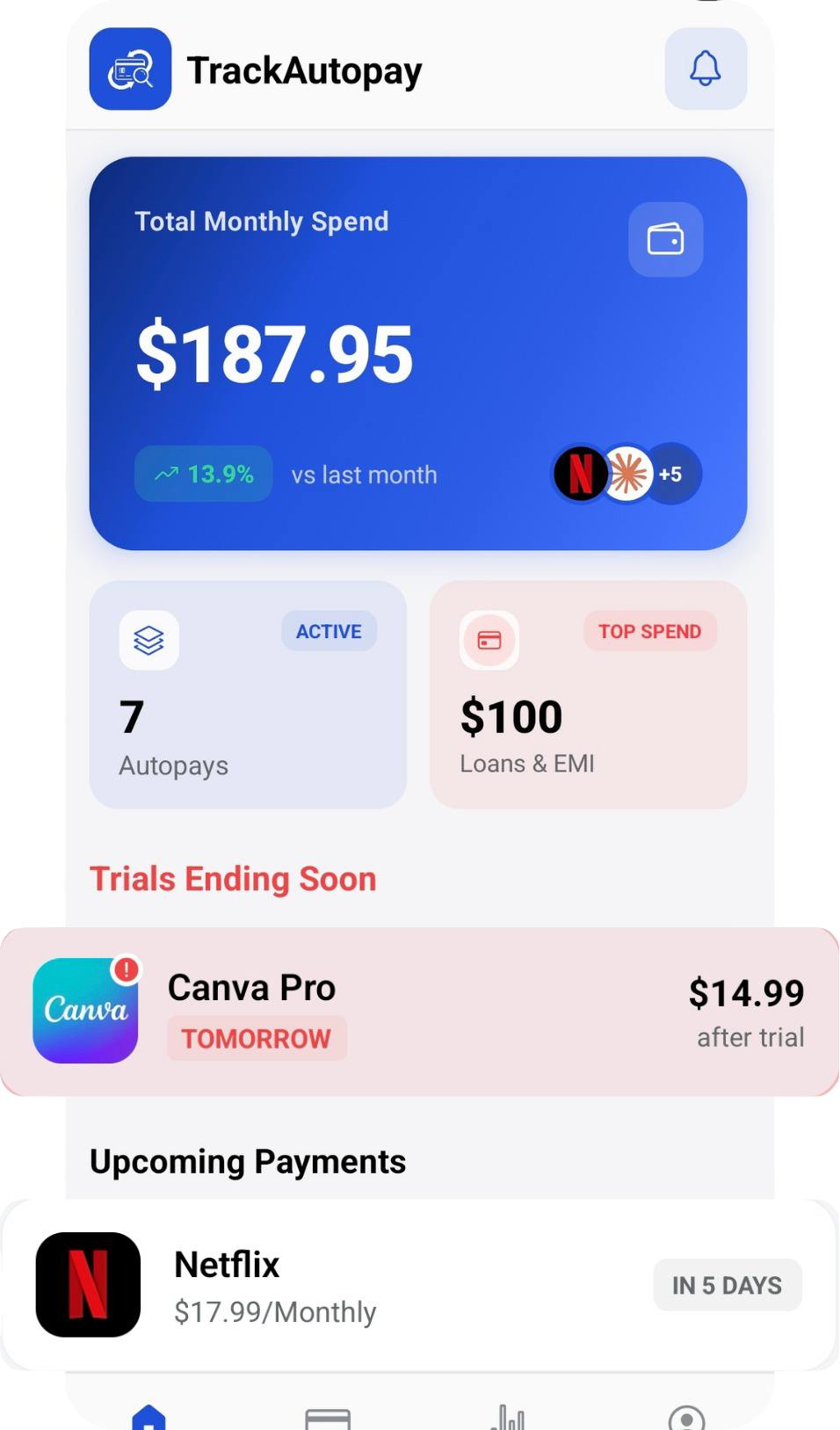
Add each AI tool to TrackAutoPay with its price and renewal date, next to your streaming, software, and everything else. Seeing the AI charges lined up against the rest of your recurring spending is what turns four separate small decisions back into one clear number, and you get a reminder before each renewal instead of after it.
See Every AI Subscription in One Place
Log each tool once and get a reminder before it renews, so a plan you stopped using never charges you for another year.