1Know Your Rights Under Federal Law
If a company keeps pulling money out of your checking account every month, you have the legal right to stop it. This applies to automatic clearing house (ACH) transfers and debit card autopay alike. The Consumer Financial Protection Bureau (CFPB), the federal agency that oversees consumer banking rights, lays out a clear process for this, and it is different from just deleting an app or clicking "cancel" on a subscription page.
Note: Canceling your account with a company does not always stop the automatic payment on its own. The payment authorization you gave the company is a separate thing from your account with them. To be safe, you need to stop both.
There are four steps to do this correctly, in order. Skipping ahead, for example calling your bank before you have told the company anything in writing, can leave you without the paper trail you need if something goes wrong later.
2Step 1: Revoke Authorization With the Company
Start with the company that is charging you. Tell them plainly that you are revoking your authorization for them to take any further automatic payments from your bank account. You can call them, but the important part is doing this in writing as well, an email or a letter works.
Example scenario: Say you signed up for a streaming service two years ago and want the automatic charges to stop today. You would email the company's billing or support address, state clearly that you revoke authorization for them to charge your bank account going forward, and keep a copy of that email with the date on it.
- Call or email the company and ask them to stop the automatic charges
- Follow up in writing (email or letter) even if you also called
- Keep a dated copy of what you sent, this is your paper trail
- Note the date and time of any phone call, and who you spoke with
Having a written record matters because if the company disputes that you ever asked them to stop, this is what protects you when you later talk to your bank or dispute a charge.
3Step 2: Call Your Bank or Credit Union
Separately from contacting the company, call your bank or credit union directly. Tell them you have revoked authorization for that specific company to take automatic payments from your account. Banks are required to honor this instruction once you have told them.
This step matters even if you already contacted the company. Your bank cannot act on a revocation it does not know about, so telling them directly is what puts them on notice and gives them a reason to block future charges from that company.
Did you know? Your bank keeps its own record once you call, so make a note of the date you called and who you spoke with, in case you need to reference it later.
4Step 3: Request a Stop Payment Order
If the company will not stop charging you, or you cannot reach them at all, ask your bank for a stop payment order. This is a formal, specific block on a particular upcoming payment, separate from just telling your bank you revoked authorization in general.
What to know before you request one:
- Give your bank at least three business days before the next scheduled charge.
- Ask about the fee first, a stop payment order typically costs $15 to $35.
- Be ready to give the exact company name, the amount, and the expected date of the charge.
- Ask your bank whether the order covers just the next payment or future ones from that same company.
Think of this as your backup plan. Steps 1 and 2 handle most situations, but a stop payment order gives you a formal block you can point to if a charge tries to go through anyway.
Give your bank at least three business days before the next scheduled charge, a stop payment order typically costs $15 to $35.
5Step 4: Dispute Any Charge That Still Goes Through
If a charge still goes through after you revoked authorization, you have the right under federal law to dispute it with your bank as an unauthorized charge and get your money back. This right exists precisely because you already did the work of revoking authorization, so make sure you did Step 1 in writing before you reach this point.
Note: Timing matters here. You need to notify your bank promptly once you see the unauthorized charge, there are limits on how long you have to report it and still get your money back. Do not wait, contact your bank as soon as you spot it.
- Check your bank statement regularly so you catch an unauthorized charge quickly
- Contact your bank right away, do not wait for the next statement cycle
- Reference the written revocation you sent the company as proof
- Ask your bank for the dispute form or process specific to unauthorized ACH or debit charges
Our guide on disputing an unauthorized bank charge walks through exactly what to say and what documentation to keep.
6Common Mistakes to Avoid
Most people run into trouble because they skip a step or do things out of order. A few things to avoid:
- Only calling the company and never putting the revocation in writing
- Only canceling your account with the company and assuming the bank payment stops automatically
- Waiting until the day before a scheduled charge to ask for a stop payment order
- Ignoring an unauthorized charge and hoping it corrects itself
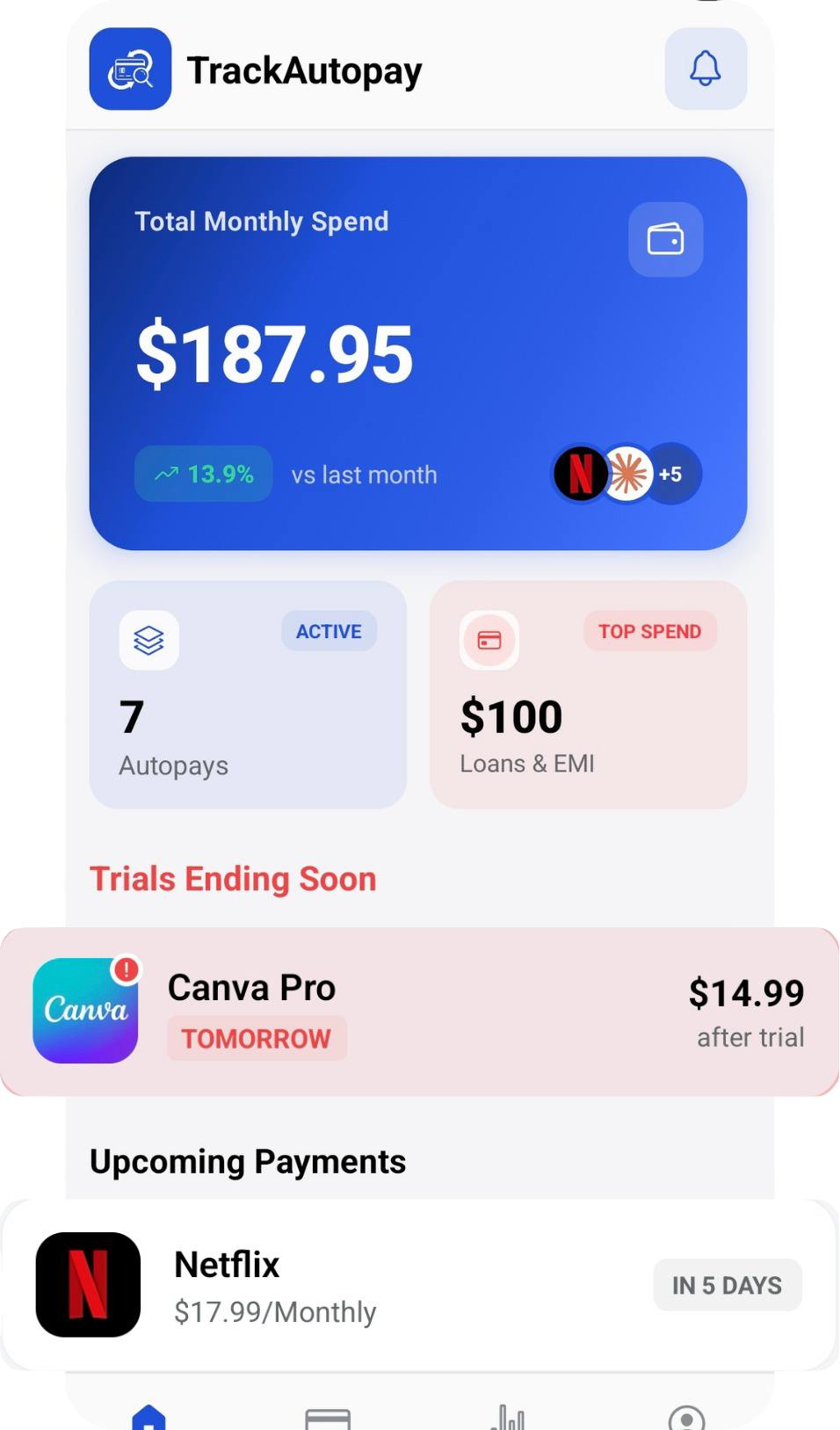
Once you have stopped a payment, it helps to keep an eye on your full list of recurring charges so a new one does not slip past you unnoticed. TrackAutoPay helps you keep every recurring payment in one place with a reminder before each one, so you always know what is scheduled to leave your account next.
Never Get Surprised by an Automatic Payment Again
Track every recurring payment in one place and get a reminder before each one leaves your account.