2Start With the Company, Not Your Bank
The fastest path to getting money back is usually the most obvious one: ask the company that charged you. Many subscription businesses will refund a single renewal as a one-time courtesy, especially if you ask soon after the charge and you are clearly canceling for good.
Cancel the subscription first, then send a short, specific message. Include the date of the charge, the amount, and a plain statement that you meant to cancel before it renewed. Companies are more likely to say yes to a request that is easy to verify and clearly a one-time ask.
Example scenario: a $14.99 renewal hits your card two days ago for a service you meant to cancel last week. You cancel it immediately, then email support asking for that single charge back, noting you have been a subscriber for over a year and this is the first time you have asked. That kind of message, sent quickly, has a real chance of working.
If the company says no, or does not respond within a reasonable time, that is when to look at the platform that actually processed the payment, since some of them run their own refund review separate from the merchant.
3Getting a Refund From the Apple App Store
If a subscription bills through the App Store rather than directly through a company's own website, Apple has its own refund request process, separate from contacting the app's developer.
Step 1: go to reportaproblem.apple.com and sign in with the Apple Account the subscription is on.
Step 2: choose "I'd like to," then "Request a refund," pick the reason that best fits your situation, and select the specific charge.
Step 3: submit the request, then check back under "Check Status of Claims" on the same site. Apple typically gives an update within a day or two, though the funds can take longer to actually land back on your card.
Cancel the subscription itself separately, inside Settings on your device under your name, then Subscriptions. Requesting a refund does not automatically cancel the subscription, so skipping that step means the next renewal can still charge you.
4Getting a Refund From Google Play
Google Play runs a similar process for subscriptions billed through the Play Store on Android. Requests made shortly after a renewal, generally within a day or two, tend to get reviewed more favorably than ones made weeks later.
Open the Google Play app, tap your profile icon, then Payments & subscriptions, then Budget and history to find the specific charge. From there you can request a refund directly for that transaction, or go through Google's dedicated refund request page.
If too much time has passed since the renewal, Google may direct you to the app's own developer instead of processing the refund itself. That is a sign to go back to the company directly, using the message approach from the earlier section.
As with Apple, cancel the subscription in the same Payments & subscriptions screen. A refund on one charge does not stop the next one from being scheduled.
A charge you already agreed to once, even if you meant to cancel before it renewed, is not the same thing as a charge you never authorized at all, and the two follow completely different paths to getting your money back.
5Getting a Refund When a Company Bills You Directly
Plenty of subscriptions, especially software tools, streaming services, and gyms, bill your card directly rather than routing through an app store. In that case, there is no third-party review process to fall back on, so the company's own refund policy is what matters.
Look for a refund or billing policy page on the company's website before you email support. Some companies explicitly offer a short grace period for renewal refunds, others only offer credit toward a future period rather than money back, and some have no stated policy at all, which means it comes down to whoever answers your message.
Note: if you paid with a credit card, mentioning that you are otherwise happy to leave a positive review, or that you have been a long-time customer, is a reasonable thing to say honestly if true. It costs the company little to refund a single charge and keep the relationship intact rather than lose you as a customer entirely.
6Getting a Refund Through PayPal or a Similar App
If a subscription is billed through PayPal rather than a card directly, cancel the automatic payment in PayPal's own settings under Payments, then Automatic Payments, so it cannot renew again regardless of what the merchant does.
For the charge itself, contact the seller directly through PayPal first, since PayPal generally expects you to try that before escalating. If the seller does not resolve it, PayPal has its own resolution center where you can open a case, separate from a dispute filed with your card issuer or bank.
Keep in mind that opening a case through PayPal and a chargeback through your card issuer are not meant to run at the same time for the same charge. Pick one path and see it through before trying the other.
7When a Chargeback Is the Right Move
A chargeback through your card issuer is a real option, but it should come after you have tried the company and the relevant platform, not instead of them. Card issuers can see the original transaction where you agreed to the subscription, so a chargeback filed too early, before you have even asked for a refund, is more likely to be denied.
A chargeback makes the most sense when a company refuses a reasonable request outright, ignores you entirely, or when a subscription keeps charging you well after you already canceled it properly. In that last case, our guide on disputing an unauthorized charge covers what to say to your bank and what to keep as proof.
Remember that a chargeback only reverses the payment. It does not cancel anything on the company's end, so always cancel the subscription directly first, through the account settings, the app store, or by contacting the company, regardless of which refund path you take.
8How to Avoid Needing a Refund Next Time
Asking for a refund works often enough to be worth trying, but it takes time, and it is never guaranteed. The far easier fix is catching the renewal date before it charges you at all, especially for annual plans and trials that are easy to lose track of between billing cycles.
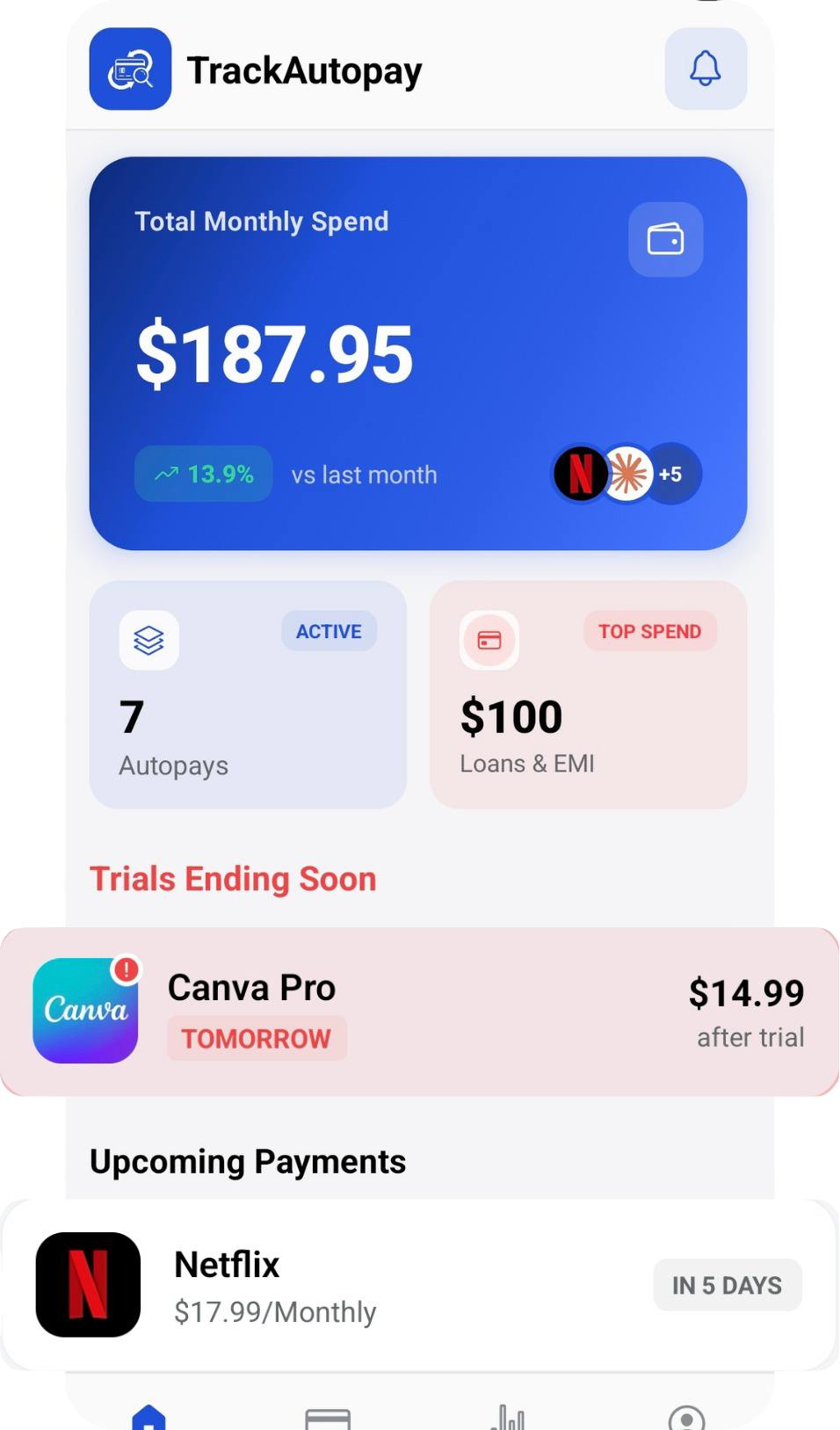
TrackAutoPay gives you one dashboard for every subscription's renewal date, with a reminder before each one bills, so canceling in time does not depend on remembering it on your own.
Never Miss a Cancellation Window Again
Log every subscription and its renewal date in one place, with a reminder before each charge, so you cancel on time instead of asking for a refund after the fact.