1What Your Bank's Recurring-Charges View Shows
If you have opened your banking app in the last year, you may have noticed a new section labeled something like "recurring charges" or "subscriptions." Many major banks in the US, including large ones like Chase, Bank of America, and Wells Fargo, now surface a view like this, built from the transaction history on your cards and accounts with that bank.
The idea is simple. The bank looks at your past transactions, notices when the same merchant charges you a similar amount on a regular schedule, and groups those charges into a list for you. You do not have to set anything up, it is already working in the background using data the bank already has.
Did you know? This feature costs you nothing extra and needs no setup, which is exactly why it is worth checking first before you look anywhere else. It is a free, built-in first pass at your recurring spending.
2The Real Limits of a Bank-Only View
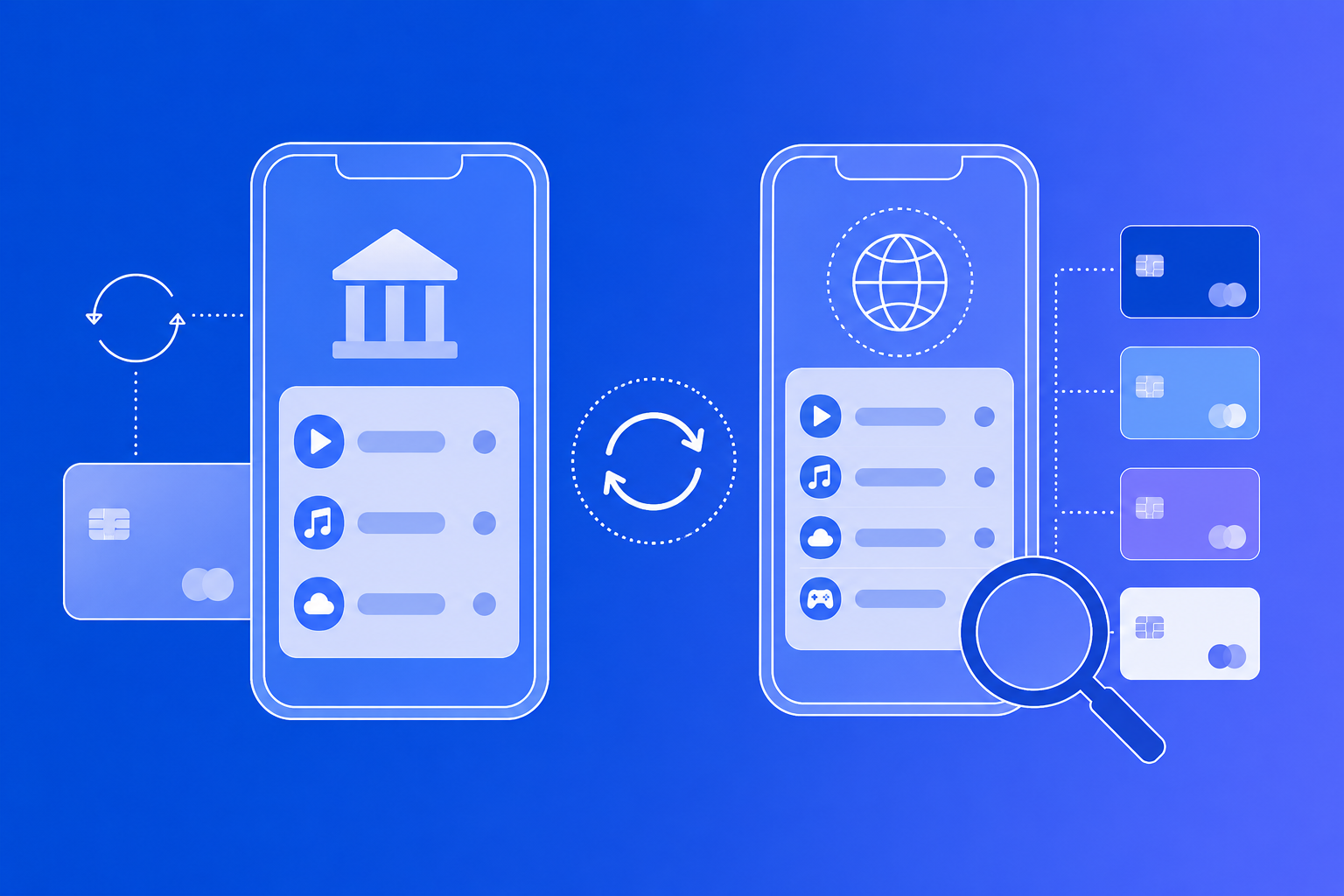
Here is the part that is easy to miss. Your bank's recurring-charges view only knows about charges that hit the cards and accounts you hold at that one bank. It has no way to see anything that happens outside its own walls.
That means it typically will not catch:
- A subscription charged to a credit card from a different bank
- A charge that goes through a partner or family member's account
- A subscription paid from your PayPal balance instead of a linked card
- A prepaid card or gift card used just for that one subscription
- A spouse's separate account that you do not have access to
Example scenario: say you have a checking account and debit card at one bank, a credit card at another bank you use for most online shopping, and a PayPal balance you sometimes pay with. Your bank's app can only ever show you the slice of your subscriptions that happened to land on its own card. The rest is simply invisible to it, not because the feature is broken, but because it was never built to look outside its own accounts.
That blind spot is exactly how hidden subscriptions quietly drain a bank account for months without ever showing up as "recurring" in any single app.
Bank connections themselves may also get less dependable. Banks are pushing to charge apps for pulling your account data, and our explainer on open banking data fees and budgeting apps covers what that could change.
3The Free-Trial Timing Problem
There is a second, quieter limit that matters just as much as the coverage gap. Bank recurring-charge features work by spotting a pattern, the same merchant billing you a similar amount more than once. That means a charge usually only gets labeled "recurring" after it has already billed you two or three times.
Think about what that means for a free trial. The whole point of catching a free trial before it converts is getting a heads-up before the first paid charge lands. But if your bank's view needs two or three charges before it recognizes the pattern, the first paid charge, exactly the one you wanted a warning about, will not be flagged yet. By the time the bank's app calls it "recurring," you have usually already paid for it more than once.
A bank's recurring-charges view only sees one bank's worth of your money, and it usually only speaks up after you have already paid the charge a few times.
4Bank App vs. Dedicated Tracker: Side by Side
Laid out side by side, the two tools are doing different jobs, not competing versions of the same job.
| What Matters | Bank's Built-In View | Dedicated Tracker |
|---|---|---|
| Cost to use | Free, already built in | Usually free to start |
| Coverage | Only that bank's cards and accounts | Any card or account you add yourself |
| Multi-bank view | Not combined across banks | One combined list |
| Free trial warnings | Flags after 2-3 charges | Reminder before you add it, set by you |
| Setup needed | None | A few minutes to add your subscriptions |
5When Your Bank App Is Enough
To be fair to the feature, there are real situations where your bank's built-in view is genuinely useful on its own. If you use a single card from a single bank for almost everything, checking that one view once a month can catch most of what you are paying for, with zero setup.
It is worth checking your bank app first when:
- You use one main card for nearly all your subscriptions
- You just want a quick, free first look at what might be recurring
- You are not worried about a specific trial converting soon
The moment you split spending across more than one card or bank, or you want a heads-up before a trial's first paid charge rather than after, the built-in view starts showing its edges. That is not a flaw exactly, it is just one slice of the picture, not the whole picture.
6Closing the Gap with a Dedicated Tracker
Your bank's built-in view and a dedicated tracker are not really competing with each other. One reads a single bank's transaction history automatically. The other holds a combined list of everything you tell it about, no matter which card or account it is actually charged to.
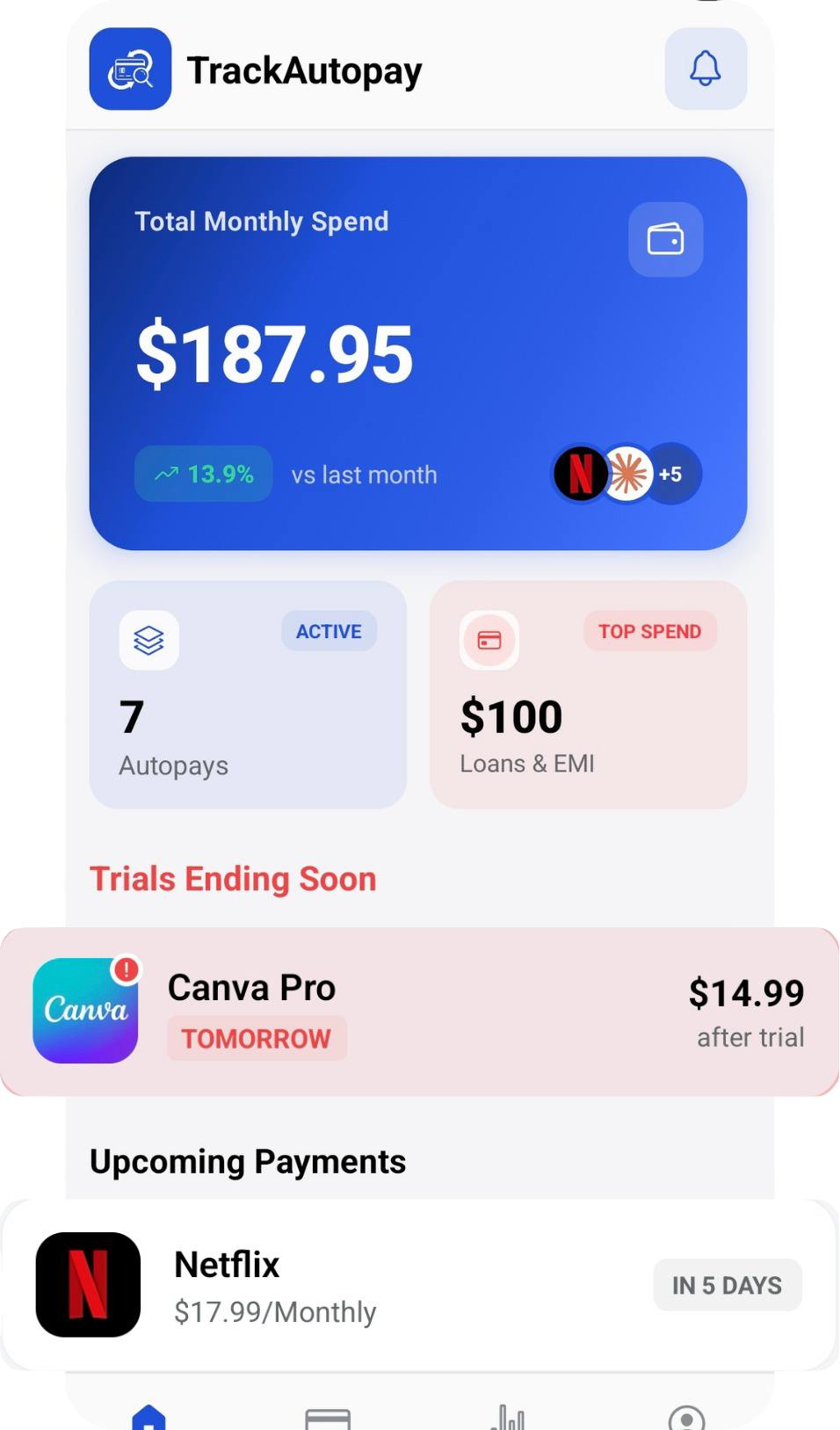
TrackAutoPay is built to close exactly the gap described above: one place to hold every subscription you have, across every card and bank, with a reminder set before each charge instead of a label that shows up after you have already paid it a few times.
See Every Subscription, Not Just One Bank's
Add every card and account yourself and get one combined list, with a reminder before each charge hits.