1What Changed in April 2026
On 21 April 2026 the Reserve Bank of India notified the Digital Payments E-mandate Framework, 2026. It does not start a new system. It takes the rules that had built up across several separate circulars since 2019 and puts them into one set of directions covering cards, prepaid instruments and UPI together.
For anyone running a business, that consolidation is the news. For everyone else, the useful part is much simpler: the rules you are entitled to rely on are now written in one place, and one of them gives you a full day of warning before money leaves your account.
Note: this framework covers recurring debits set up through an e-mandate, which is what sits behind SIPs, insurance premiums, EMIs, utility bills, and the OTT and app subscriptions you pay for through UPI AutoPay or a card.
2#1: The 24-Hour Alert and What Is In It
Your bank or card issuer has to send you a pre-transaction notification at least 24 hours before the debit goes through. Most people see this as an SMS or an app notification, skim the amount, and move on. It is worth slowing down, because the notice is required to carry five specific pieces of information.
- The name of the merchant taking the money.
- The amount that will be debited.
- The date and time of the debit.
- The reference number of the e-mandate behind it.
- The reason for the debit.
Those five fields turn a vague charge into something you can act on. The merchant name tells you what it is. The reference number is what you quote to your bank if you want it stopped. And the 24 hours is not a formality, it is a working window in which you can still cancel the mandate before the money moves.
The pre-debit alert is usually the only warning you get before a recurring charge, and it arrives a full day early for a reason.
3#2: Why Only the First Payment Asks You
Setting up a mandate needs additional factor authentication, which in practice is the UPI PIN or the OTP you enter at sign up. That step registers the mandate. After it, recurring debits within the set limits can be processed without asking you again.
That design is the whole convenience of autopay, and it is also exactly why a mandate you forgot about keeps taking money for years. Nothing in the system needs your attention again. The only thing standing between an unwanted charge and your account is you reading the alert.
If you are not sure which mandates you currently have running, our guide on how to check every UPI AutoPay mandate in one place walks through the NPCI portal and the individual UPI apps.
4#3: The Limits That Decide Who Approves
Whether a recurring debit goes through silently or comes back to you for approval depends on the amount and the category. These are the thresholds carried into the 2026 framework.
| Type of recurring payment | Cap per debit without extra approval |
|---|---|
| General recurring payments | Rs 15,000 |
| Insurance premiums | Rs 1,00,000 |
| Mutual fund subscriptions | Rs 1,00,000 |
| Credit card bill payments | Rs 1,00,000 |
Above the applicable cap, you have to approve the payment yourself before it goes through. Below it, the debit is silent. Almost every subscription in the country sits comfortably under Rs 15,000, which is why subscriptions in particular slip past people.
5#4: Your Right to Pause or Cancel
The framework is clear that you can modify, pause or cancel an e-mandate at any time, with additional factor authentication to confirm it is you. Two of those three options get overlooked.
Modifying lets you change the amount or the validity of a mandate rather than tearing it down and setting it up again. Pausing stops the debits for a while and keeps the mandate in place, which suits anything you only use for part of the year.
Example scenario: someone takes a break from an online course for three months. Pausing the mandate stops the charges without losing the enrolment, and there is no re-registration to do when the break ends.
Note: cancelling the mandate stops the payment. It does not always end the contract with the merchant. If you owe them money under a signed agreement, stopping the debit can leave a dues problem behind, so cancel with the merchant as well when there is a contract involved.
6#5: The Debits With No Advance Alert
There is an exception worth knowing. E-mandates set up for automatic top-up of FASTag and National Common Mobility Card balances do not require the pre-transaction notification. The logic is practical, since a top-up is triggered by your balance running low rather than by a fixed date, and an advance notice would be meaningless.
The effect for you is that these top-ups can appear on your statement with no warning at all. If you have automatic replenishment switched on, check the balance and top-up settings directly every few months instead of waiting for a message that is not coming.
7#6: What to Do When an Alert Surprises You
An alert for something you do not recognise is a time-limited opportunity. Work through these steps in order, while the 24 hours is still running.
- Read the merchant name in the notice properly. Billing names often differ from the brand name you know, so search the exact text before assuming it is fraud.
- Note the e-mandate reference number from the message. This is the identifier your bank and the merchant will both ask for.
- Open the app or portal where the mandate lives and look for it by that reference or by merchant name.
- If you want it stopped for good, cancel the mandate there. If you only want a break, pause it instead.
- If the charge is genuinely not yours, tell your bank straight away rather than waiting for the debit to land, and keep the message as a record.
- Cancel with the merchant too when a contract or an account exists, so a stopped debit does not turn into an unpaid due.
If the charge turns out to be real but unfamiliar, our guide on decoding a charge you do not recognise covers how billing names work and how to trace one back to the service.
8#7: Keep Your Own List Next to the Alerts
The alerts are good protection, but they arrive one at a time, mixed in with every other message on your phone. They tell you a single charge is coming. They never show you the full picture of what you pay every month across UPI, cards and wallets, which is the number that actually matters.
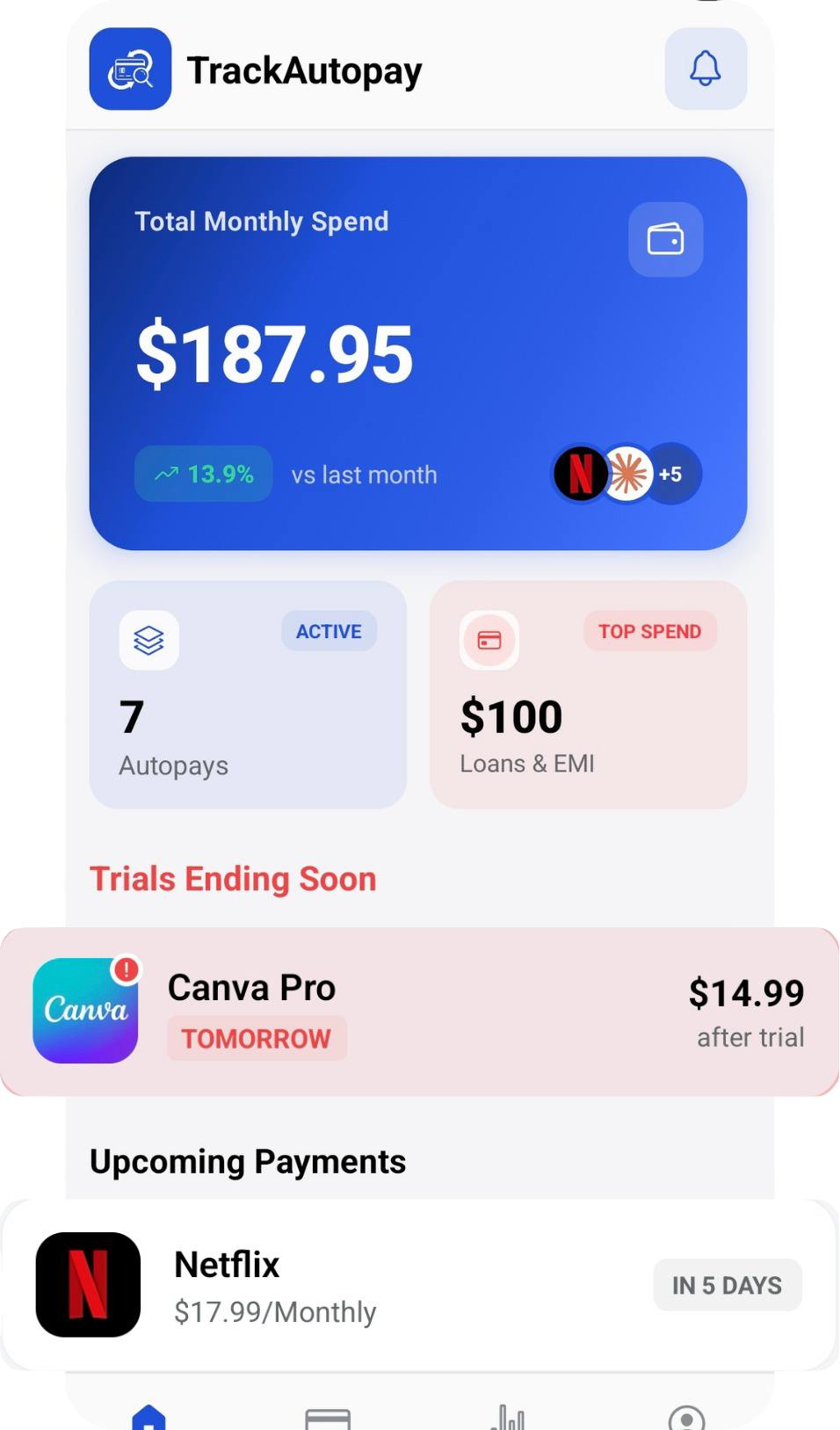
Keeping your own list closes that gap. Add each mandate to TrackAutoPay with its amount and its date, and the alerts become confirmation of something you already knew was coming rather than a surprise. For a wider view across payment methods, see our guide to tracking recurring payments on cards, UPI and wallets.
Know the Charge Before the Alert Arrives
Log every mandate once and see all your recurring payments together, with a reminder before each one is due.